Your login page protects your app. It doesn’t protect your database.
When you build a web app with AI, it usually connects a database like Supabase to store your users: names, emails, phone numbers, sometimes payments. Then it adds a login page, and the app feels locked.
It might not be.
Can someone read my database without logging in?
Yes, if one setting is off. Your website carries a key in its code so it can talk to your database. That’s on purpose. Supabase’s own documentation says this key is safe to put online, but only because a setting called Row Level Security decides what it can reach.
Row-level security is the rule that says each user can only see their own data. With it on, the key opens only what you allow. With it off, it opens everything.
And anyone can find that key. They right-click your site, hit Inspect, and look at the traffic. Then they skip your login and ask the database directly.
Why would it be off?
Tables created with code start with row-level security off. They stay that way unless someone turns it on. If AI wrote your database and you never asked for it, nobody turned it on.
Supabase’s documentation is direct about it: enable row-level security on every table before you deploy.
Has this actually happened?
Yes. In March 2025, researcher Matt Palmer scanned 1,645 apps built with Lovable, an AI app builder. He found 170 of them, about 1 in 10, with tables anyone could read. The exposed data included emails, names, phone numbers, subscriptions, payment details and developers’ API keys. And he only checked their homepages.
Strangers could also write data, not just read it. On one site, Palmer’s team added a new record marked “paid,” skipping the Stripe checkout entirely.
The flaw is now an official vulnerability record, CVE-2025-48757, in the US National Vulnerability Database. Lovable disputes the record and says each customer is responsible for their own app’s data.
Either way, the responsibility lands on the person who built the app.
A login page is your front door. Row-level security is the lock on every room behind it.
Dr. Erin JacquesWhat’s changing for people who build with AI
AI made it possible to launch a real app with real customers in a weekend. It didn’t take any of the responsibility off the person who built it.
When someone signs up for your app, they’re trusting you with their email, their phone number, maybe their card. The builders who win won’t be the ones who ship fastest. They’ll be the ones customers can trust with that information.
Your move: lock every table before you launch
Step 1: Run the prompt. Paste this into Claude, Lovable, Cursor, or whatever you build with:
Turn on row-level security for every table in my Supabase database. Write rules so each signed-in user can only see and change their own data. Make sure my secret key (or service_role key) is only used on the server, never in my website's code. When you're done, list every table, show whether row-level security is on, and flag any table that anyone can still read without signing in.
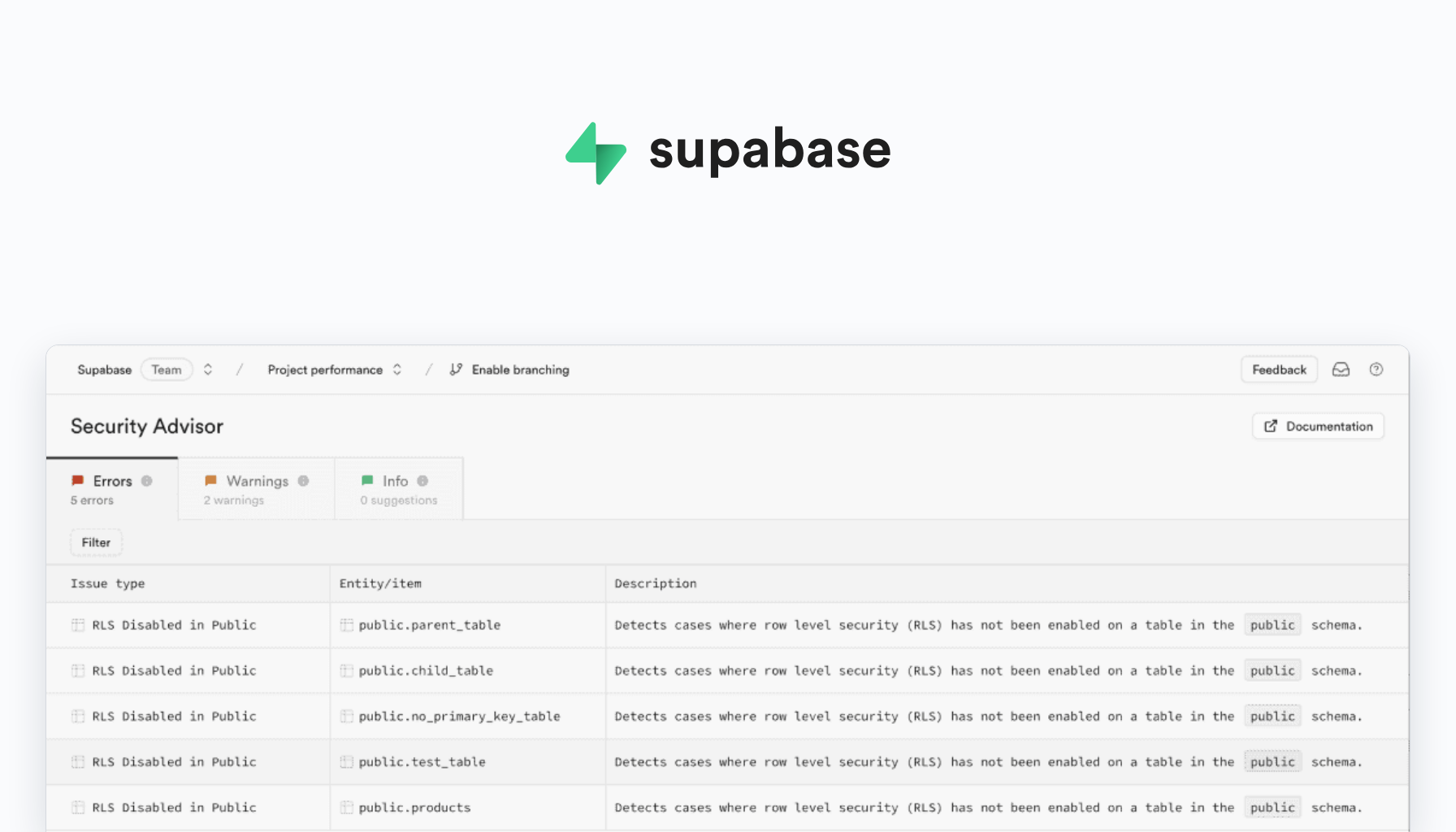
Step 2: Check the result. In your Supabase dashboard, open the Security Advisor. It flags common security problems, including tables without row-level security. Don’t dismiss a finding until you understand it.
Step 3: If your app goes blank, that’s the lock working. Row-level security with no rules blocks everyone, including your own app. Tell your AI which table stopped loading, and ask it to add a rule so signed-in users can see only their own rows.
Reading your own security settings is a skill most builders skip. Learn it now, and you launch with a confidence other builders don’t have. It helps you stand out.
You can build an app in a weekend. Make sure your customers’ data is still theirs on Monday.
Inside Leveraging AI, we build web apps that are ready for real customers, security included.
Sources
- Matt Palmer: Statement on CVE-2025-48757
- NIST National Vulnerability Database: CVE-2025-48757
- Supabase Docs: API keys
- Supabase Docs: Row Level Security

Dr. Erin Jacques is a professor, AI strategist and the founder of Leveraging AI and ChatifyIT. She helps entrepreneurs and creators use AI safely and turn what they know into income.
AI Upfront
Straight talk on the AI economy, and how to claim your place in it. Three short emails a week: what's true, what's changing, and your move.