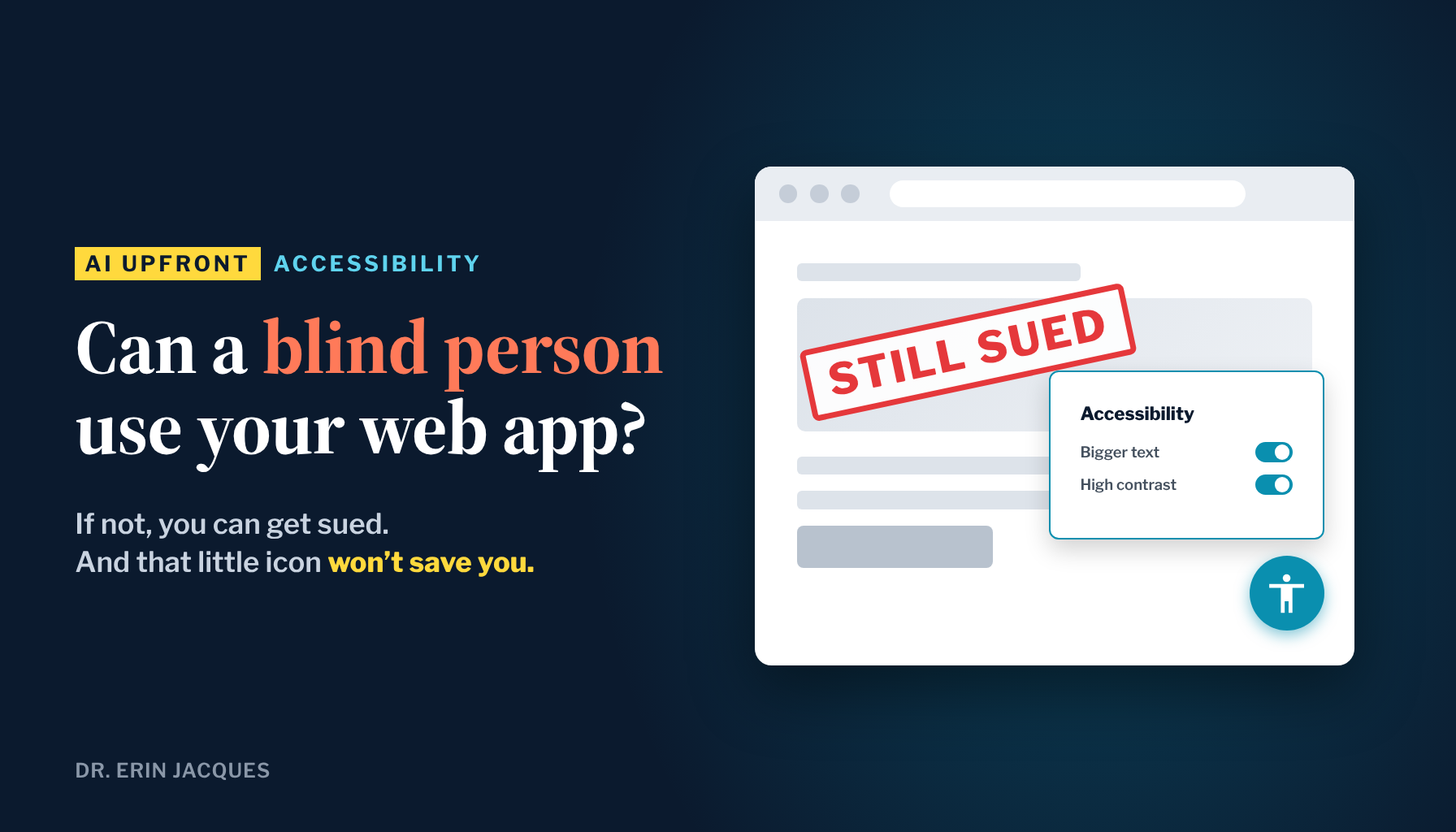
If a blind person can’t use your web app, you can get sued.
Vibe coding makes it easy to launch a web app in a weekend. It also makes it easy to launch one that someone who is blind, or someone who can’t use a mouse, can’t get through. That’s what “accessibility” means: can everyone actually use what you built?
Can you really get sued if a blind person can’t use your site?
Yes. More than 5,000 digital accessibility lawsuits were filed in federal and key state courts in 2025, according to UsableNet’s year-end report. In federal court alone, there were 3,117 website accessibility lawsuits, up 27% from 2024, according to law firm Seyfarth Shaw.
These suits are filed under the Americans with Disabilities Act (ADA). The claim is simple: a blind person using a screen reader, or someone navigating with only a keyboard, tried to use your site and couldn’t. Roughly 70% of them hit online stores.
Does an accessibility widget protect you?
No. Lawsuits named companies using accessibility widgets more than 1,400 times in 2025, per UsableNet. A widget is the little icon in the corner that opens a panel for changing text size or contrast.
The widget doesn’t fix the code underneath, and the code is what screen readers and keyboards actually use. In 2025 the FTC made accessiBe, one of the best-known widget companies, pay $1 million for claiming its AI tool could make any website compliant. More than 700 accessibility professionals have signed the Overlay Fact Sheet, which warns against relying on these tools.
Saying you’re accessible and being accessible are two different things.
Dr. Erin JacquesWhy vibe coders are especially exposed
When you ask AI to build a page, it builds what looks right. It won’t automatically add descriptions to your images, labels to your form fields, or a way to move through the page without a mouse. Unless you ask, nobody checks.
A few years ago, a developer would have caught this. Now you’re the developer.
What’s changing: accessibility is part of building now
AI made launching a web app cheap. It didn’t make you any less responsible for who can use it.
That’s a gap, and a gap is an opportunity. Most people building with AI will never test their app with a keyboard. The ones who do will launch to a bigger audience with less risk. If you build for clients, an accessibility check is a service you can sell.
Your move: fix first, statement last
Step 1: Have AI audit and fix your app. Paste this into Claude or whatever tool built your app:
Audit my web app for accessibility against WCAG 2.2 level AA. Check alt text on images, keyboard navigation, color contrast, and form labels. Fix every issue you find, then add an accessibility statement to the footer.
Step 2: Check it yourself. A prompt is an instruction, not proof.
- Unplug your mouse. Use only Tab and Enter. Can you reach and use every button and form?
- Run a free scan. Paste your URL into WAVE from WebAIM and fix anything marked in red.
These checks follow the Web Content Accessibility Guidelines (WCAG), the standard courts and regulators point to. I’m not a lawyer, and this isn’t legal advice.
This makes you stand out. Plenty of people can build fast. Far fewer can build something everyone can use.
The people who win in the AI economy won’t just build fast. They’ll build things they can stand behind. If you want to build with AI the right way, join us in Leveraging AI.
Sources
- Accessibility Checker: ADA lawsuits: recent cases, costs and how to avoid one
- Level Access: Title III lawsuits: big companies sued over website accessibility
- TestParty: Accessibility overlay lawsuits: 2026 data
- TechCrunch: FTC orders AI accessibility startup accessiBe to pay $1M
- Overlay Fact Sheet: Overlay Fact Sheet
- W3C: Web Content Accessibility Guidelines (WCAG) 2.2
- WebAIM: WAVE web accessibility evaluation tool

Dr. Erin Jacques is a professor, AI strategist and the founder of Leveraging AI and ChatifyIT. She helps entrepreneurs and creators use AI safely and turn what they know into income.
AI Upfront
Straight talk on the AI economy, and how to claim your place in it. Three short emails a week: what's true, what's changing, and your move.