A SMALL-GROUP SESSION FOR MAC USERS
Find your way
around your Mac.
Find your files, move between apps, and follow along without losing your place.
Saturday, September 19, 2026
12–1 p.m. Eastern · Online via Zoom
Led by Dr. Vincent Jones II
Hosted by Dr. Erin Jacques
Bring your Mac and practice as we go. Every registrant receives the full recording to revisit afterward.
SOUND FAMILIAR?
This session is for you if…
- You open another app during a training and can’t find your way back to Zoom.
- You copy an AI response, but it doesn’t paste into your email or document where you want it.
- You download a file and don’t know where it went.
- Someone says “open the app,” and you’re not sure where to find it.
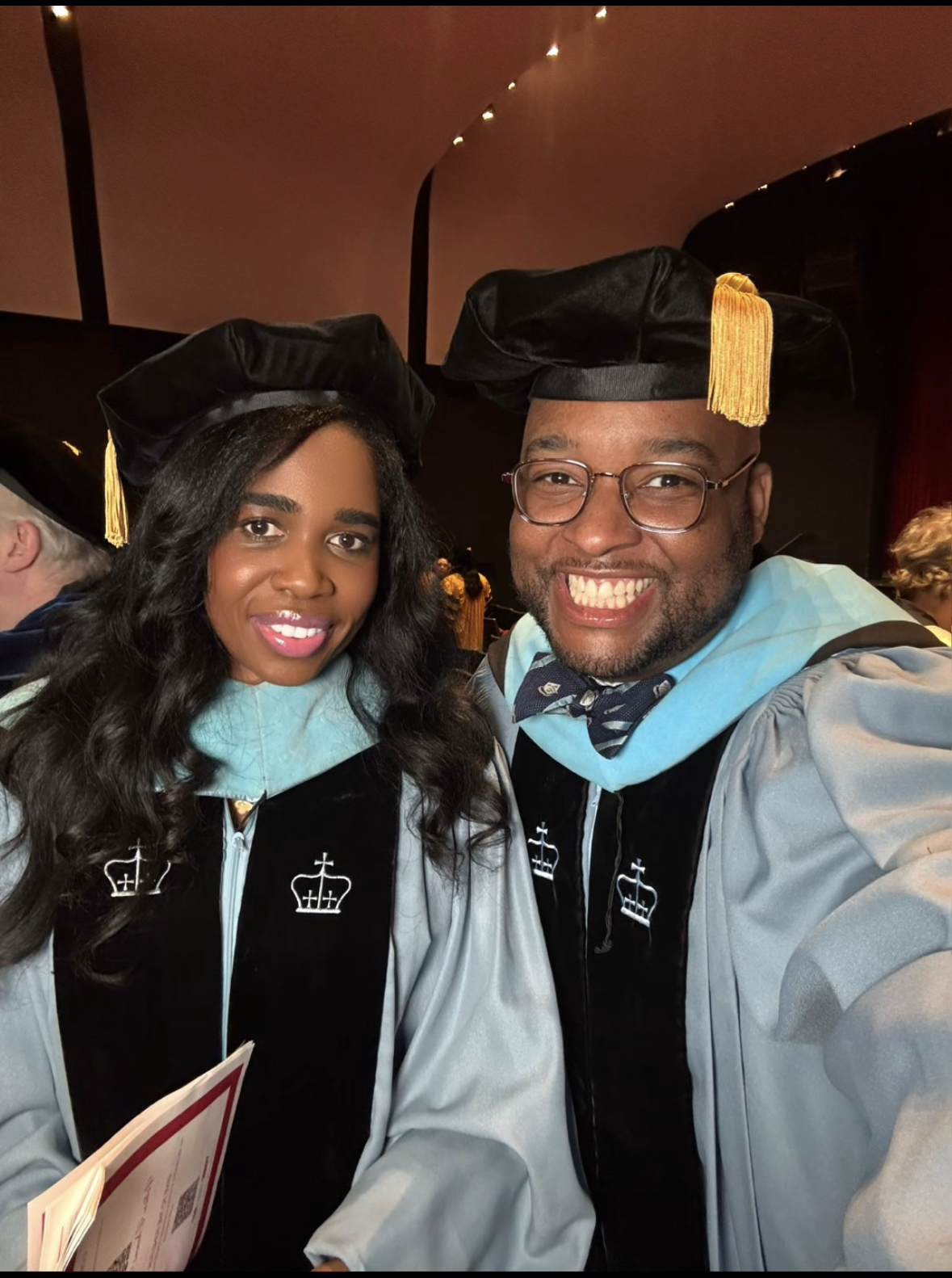
MEET YOUR INSTRUCTOR
Practical help from Dr. Vincent Jones II.
When Dr. Vincent Jones II and I were students at Columbia University, he supported faculty with classroom technology. He’s also someone I turn to when I run into computer problems.
What I especially appreciate is how he explains things:
- “Here’s where to find that.”
- “Here’s a quicker way.”
- “Here’s why that might not be working.”
He still shows me shortcuts that make me think, I wish I’d known that sooner.
— Dr. Erin Jacques
What to bring
Your Mac laptop or desktop, an internet connection, and a way to join Zoom. This session covers Mac computers; Windows, iPhone, and iPad navigation are not covered.
We’ll demonstrate each skill, pause for practice, and answer common questions. Individual computer repairs are outside the scope of this one-hour workshop.