Build Me a Website / Landing Page

In Claude say:
Claude asks you the questions, builds the page, and gives you the file.
Drag it into Netlify Drop (netlify.com/drop) and your page is live in 10 seconds. Free, no account needed.

In Claude say:
Drag the file to netlify.com/drop, your site is live in 10 seconds.
Job Search / Career

You don't need to pay $150 for that. Here's how to do it yourself in Claude...takes 2 minutes:
Step 1: Open Claude. Click the Search & Tools icon, then '+ Add connectors,' and select Indeed from the list. It'll ask you to log in to Indeed.
Step 2: Paste this one prompt:
That's your resume, cover letter, and LinkedIn tailored to real jobs hiring right now.
B2B Sales / Outreach

Here's one prompt, 3 steps:
Step 1: Open Claude. Click Search & Tools, then '+ Add connectors,' and add Vibe Prospecting. It has a free tier to start.
Step 2: Before you run the prompt, have these ready: a one paragraph description of what you do and who you help, and your calendar booking link.
Step 3: Paste this prompt:
Content Creation / Book Writing

Thanks for the compliment. Here's a full workflow with one prompt.
Step 1: Start by downloading 3 to 5 of the best management books in your space. Upload them into NotebookLM or Claude. I'd go with NotebookLM personally. Have it analyze the structure, pacing, how chapters open and close, where stories go versus frameworks. That becomes your blueprint.
Step 2: Get a trial of Wispr Flow. It lets you speak instead of type. Go for a walk, talk through your ideas, tell your stories. That's how your real voice ends up in the book.
Step 3: Then paste this into Claude:
You feed it the research, it learns the structure, and every session is just you talking and Claude building around your voice. I'd probably have it save the chapters on my desktop and do this in the COWORK tab which can be found in Claude desktop version.
Personal Finance

Open Claude Desktop. Click into the Cowork tab. Upload your bank and credit card statements.
Tell Claude:
Government Contracts

This is a full workflow, not one prompt. Set this up in Claude Cowork.
Step 1: Create a free account on SAM.gov.
Step 2: Install Claude in Chrome from the Chrome Web Store (requires a paid Claude plan).
Step 3: Open Cowork. Sign into SAM.gov in your browser, then paste this into Cowork tab:
Step 4: Once Claude flags what matters, paste this:
Step 5: Set up a weekly check. Paste this:
Step 6: When you're ready to bid:
Set it up once, bid smarter every time.
Legal / PDF Automation
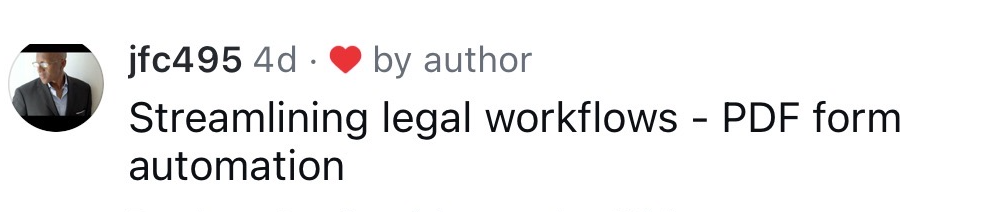
Here's how to set this up:
Step 1: Save all your blank PDF templates (intake forms, retainer agreements, court filings, whatever you use) into one folder on your Desktop. Name it something like "Legal Templates."
Step 2: Open Claude, go to Cowork mode.
Step 3: Select that "Legal Templates" folder as your working folder.
Step 4: Paste this prompt:
Claude reads your forms, figures out the fields, and builds the skill. From that point on, every new client is one command.
Advertising / Meta Ads

Four steps, all in Claude:
Step 1: Install the Claude in Chrome extension from the Chrome Web Store.
Step 2: In Claude, go to Settings, then Connectors. Add the Pipeboard Meta Ads connector and the Canva connector. Connect your Facebook Ads account and your Canva account.
Step 3: Paste this prompt:
Step 4: Run for 24 hours. Come back and ask Claude to pull the performance data. Put your full budget behind the winning ad.
Research what works. Copy what works. Test. Scale the winner.
Business Operations / Bakery Planning
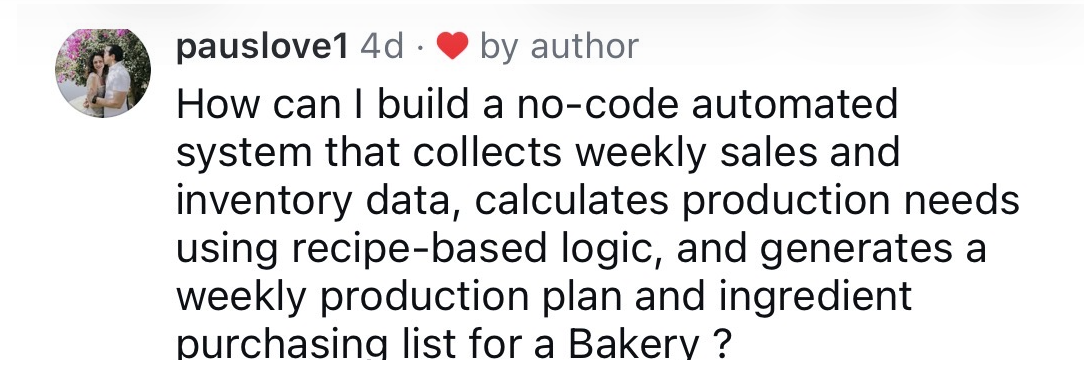
In Claude, say:
Save the file to your computer and open it in your browser and that's your whole bakery planning system. If you want your team to access it too, drag the file to netlify.com/drop and it's live on the web in 10 seconds.