You hit your Claude limit again, and you barely got anything built.
Here’s why. When you build in Claude Code, a big chunk of every session goes to Claude finding its way around: opening files, closing them, searching, trying somewhere else. All of that costs tokens before any real work starts.
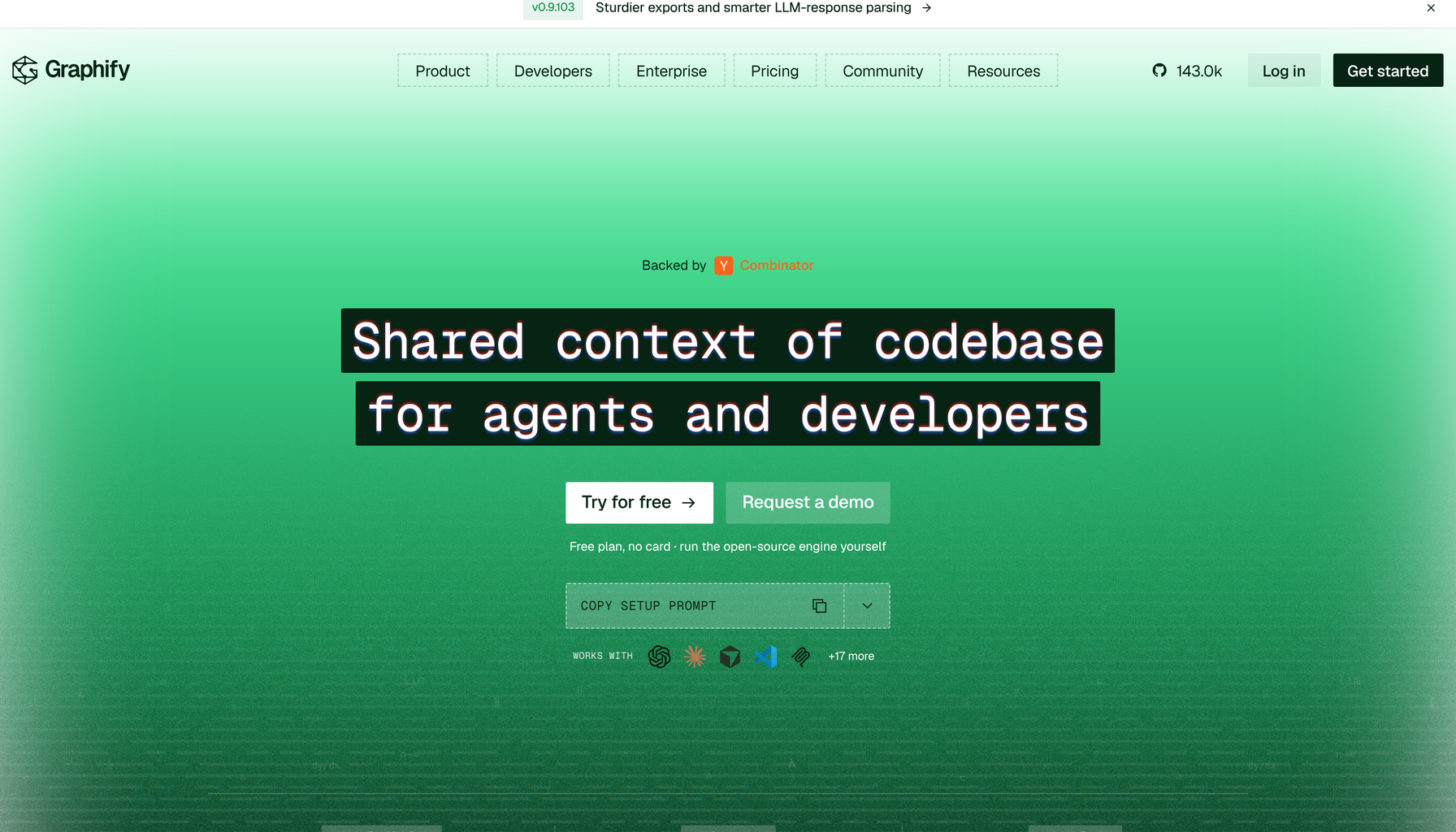
A free, open-source tool called Graphify fixes that.
What is Graphify?
Graphify maps your whole project once: every file, every function and how they all connect, into a single graph. After that, Claude stops searching and reads the map instead.
Graphify says that cuts token use by up to 71.5 times per question compared with reading the raw files. That’s Graphify’s own figure, not an independent test, and your savings depend on your project. The bigger your codebase, the more you save, because there’s more for Claude to search without it.
Is Graphify really free?
Yes. The open-source engine is free to run on your own computer, and it keeps your code on your machine. There’s also a hosted version with a free plan, no card required.
It’s also not some random side project. Graphify passed 100,000 GitHub stars in August 2026, about four months after its first commit, and it’s backed by Y Combinator. As of today, its homepage shows more than 143,000 stars.
Stop paying Claude to search. Give it a map and let it build.
Dr. Erin JacquesWhy does Claude Code run out of tokens so fast?
Because every time Claude needs to understand your project, it reads files to figure out what connects to what. On a small project that’s fine. On a real app with hundreds of files, that searching adds up fast, and it’s the same searching every session.
A map changes that. Claude looks up the connection it needs instead of rereading files to rediscover it.
How to set up Graphify in Claude Code
These steps come from Graphify’s own install guide. You need Python 3.10 or newer.
- Install it. In your terminal, run the command below. The package name has two y’s; the command it installs is
graphify.
uv tool install graphifyy
- Connect it to Claude Code.
graphify install
- Build the map. Open Claude Code in your project and type the command below. The map is saved in a folder called graphify-out. Run it again after big changes.
/graphify .
Don’t want to install anything? Use the hosted version instead. Run this, then type /mcp in Claude Code and choose Authenticate:
claude mcp add --transport http --scope user graphify https://api.graphify.com/mcp
If you see “graphify: command not found,” run uv tool update-shell, open a new terminal and try again.
What’s changing: the builders who win get more out of the same plan
AI coding used to mean paying for more usage when you ran out. Now the smarter move is wasting less of what you already pay for.
Two people on the same $20 plan can get very different amounts built. The difference is how much of each session goes to real work.
Your move
- Pick your biggest project, the one where you hit your limit fastest.
- Install Graphify and run
/graphify .on it. - Use it for a week and notice how much further your plan goes.
This one gives you leverage: more building out of the plan you already have.
Your Claude plan isn’t too small. It’s just doing too much searching.
Sources
- Graphify: 100,000 GitHub stars
- Graphify: Install Graphify
- Graphify: Shared context of codebase for agents and developers
- The Menon Lab: Graphify: One Command Turns Any Folder Into a Knowledge Graph

Dr. Erin Jacques is a professor, AI strategist and the founder of Leveraging AI and ChatifyIT. She helps entrepreneurs and creators use AI safely and turn what they know into income.
AI Upfront
Straight talk on the AI economy, and how to claim your place in it. Three short emails a week: what's true, what's changing, and your move.