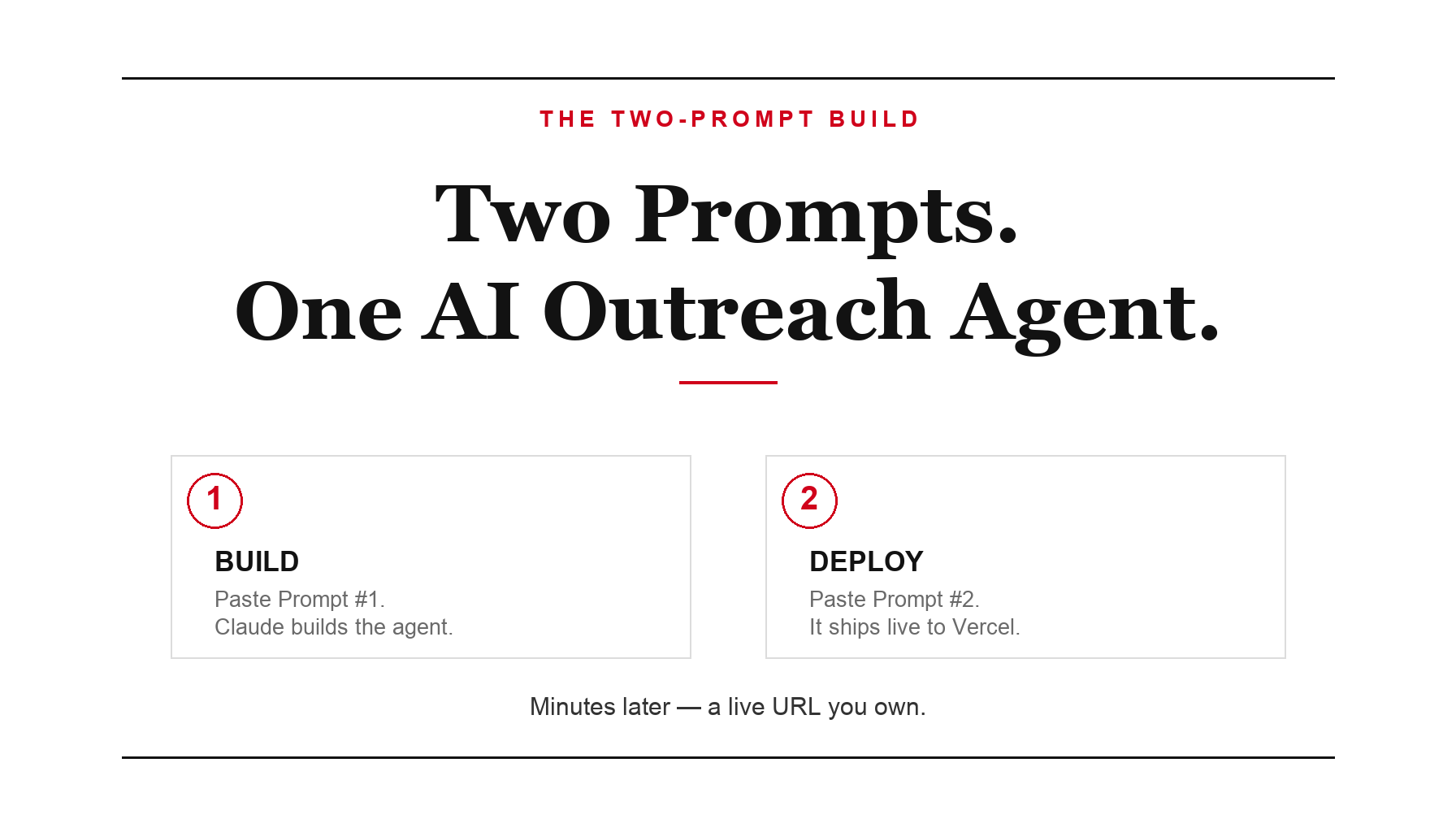
Two prompts. That is all it takes to go from an empty folder to a live app — one that researches a company, finds where it is losing time or money, and writes a personalized cold email pitching your help. No templates, no boilerplate, no coding background.
I built mine in a single sitting and called it the Outreach Agent. The first prompt builds the application. The second deploys it to the internet and hands back a live URL. Between them sits a free API key and about ten minutes.
What makes it an agent rather than a form is what happens after you hand it a list. Paste in a column of companies and it works through them one at a time — researching each, drafting an email, reviewing its own draft against what it found, and sharpening it before it moves to the next.
Build it in two prompts
First, a sixty-second setup:
- Download VS Code.
- Install the Claude Code extension.
- Create a new folder called Outreach.
- Start a new Claude Code session.
Prompt #1 — Build the agent
Build a modern AI-powered outreach web application.

The app should allow me to enter a company name and website.

When I click "Research Company," use the OpenRouter API to:

1. Research the company.
2. Identify what the company does.
3. Find potential pain points or opportunities.
4. Identify where AI or automation could help.
5. Generate a personalized cold outreach email explaining how my services could help solve those problems.

The app should have:

- A clean modern interface
- Company Name field
- Website field
- Research button
- Results panel
- Editable outreach email
- Copy button

Store the OpenRouter API key using environment variables.

Build everything as a production-ready Next.js application.

Make this an agent, not a single tool:

- Let me paste a LIST of companies (one per line, or upload a CSV).
- When I click "Run Agent," loop through every company automatically:
  research it, then draft its personalized cold email — one after another,
  with a live progress log showing which company it's working on.
- After drafting each email, have the agent review its own draft against
  the company's pain points and rewrite it once to make it sharper before
  moving on.
- Show all finished emails in a results table with a Copy button per row
  and an Export All button.
Once it is built, create a free OpenRouter API key — sign up, open Keys, and create one.
Prompt #2 — Deploy it
Deploy this application to Vercel.

Create all required environment variables.

Explain exactly where I should paste my OpenRouter API key.

Verify the deployment is working correctly.

Return the live URL.
Within minutes you have a live URL you own — an agent you can hand a list of companies and walk away from while it researches each one and writes the email.
You are not learning to code. You are learning to direct.
Dr. Erin JacquesWhy this is the real opportunity
An outreach agent is useful on its own. The bigger idea is the pattern underneath it. Build, then deploy — a rhythm of two prompts that works for almost any app you can describe out loud.
Add a login and a payment page with that same rhythm and you no longer have a personal tool. You have a product — a web app people pay to subscribe to every month. That is the shift worth making: not just using AI, but shipping it, and charging for what you ship.

Dr. Erin Jacques is a professor, AI strategist and the founder of Leveraging AI and ChatifyIT. She helps entrepreneurs and creators use AI safely and turn what they know into income.
AI Upfront
Straight talk on the AI economy, and how to claim your place in it. Three short emails a week: what's true, what's changing, and your move.